

WP Timed Based Code Switcher Plugin
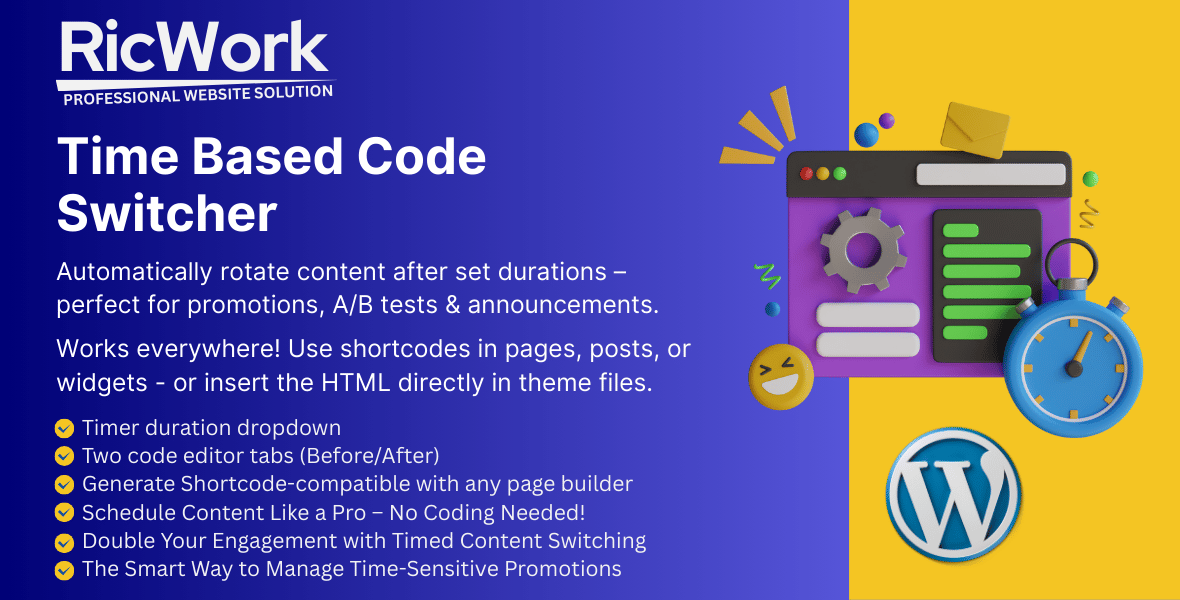
Automate Content Rotation with Precision Timing
Dynamically switch between content, ads, or promotions after set durations – perfect for time-sensitive campaigns, A/B testing, and seasonal announcements.
How It Works:
1 Create a timed content set in WordPress admin
2 Set your duration and two content versions
3 Paste the shortcode anywhere
4 Watch content auto-switch for visitors
Key Features:
* Smart Time-Based Switching
* Set exact durations (seconds/minutes/days)
* First-view vs. return-visitor control
* Browser cookie-based tracking
Perfect For:Marketers, e-commerce stores, bloggers, and agencies who need automated content rotation.
Need Customization?
Contact me for custom development to tailor the plugin to your workflow!
Why Choose This Plugin?
– No Coding Needed – Intuitive WordPress interface
– Lightweight – No performance overhead
– GDPR Compliant – Cookie-based without personal data
Universal Compatibility
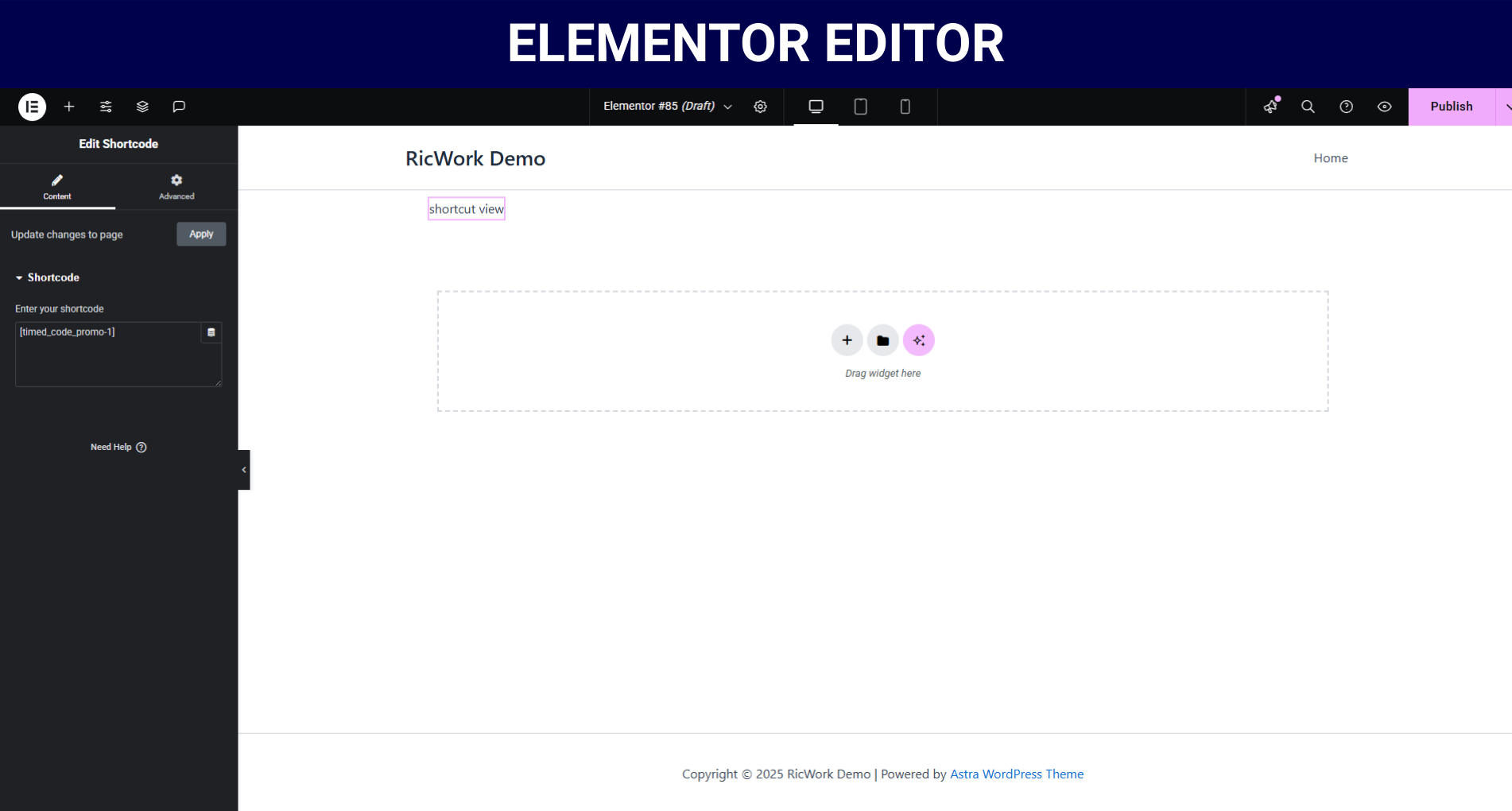
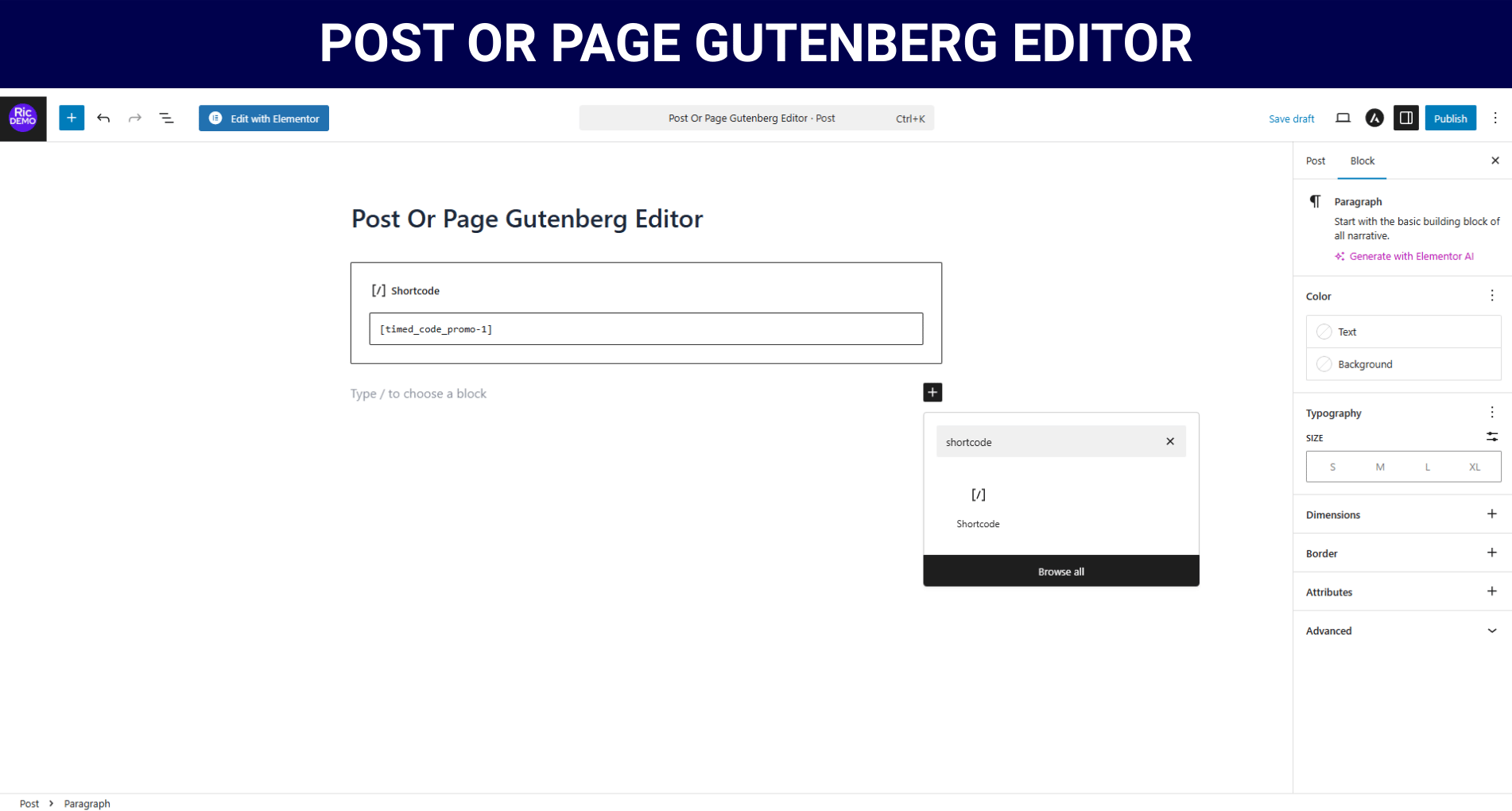
– Works with all page builders (Elementor, Divi, WPBakery)
– Shortcode [time_based_switch id=”promo1″] or PHP <?php echo do_shortcode(‘[time_based_switch]’); ?>
– Supports HTML, JavaScript, ads, and other shortcodes
Benefits
* Priority Support
* No Subscription Fee
* Future Updates (feature requests considered)
* specific customisation (contact for pricing*)
* White-label Option (contact for pricing*)
Professional Use Cases
* E-commerce: Rotate limited-time offers
* Marketing: Schedule announcement bars
* A/B Testing: Alternate content variants
* Watch intro video
* Courses: Reveal lesson 2 only after 48h
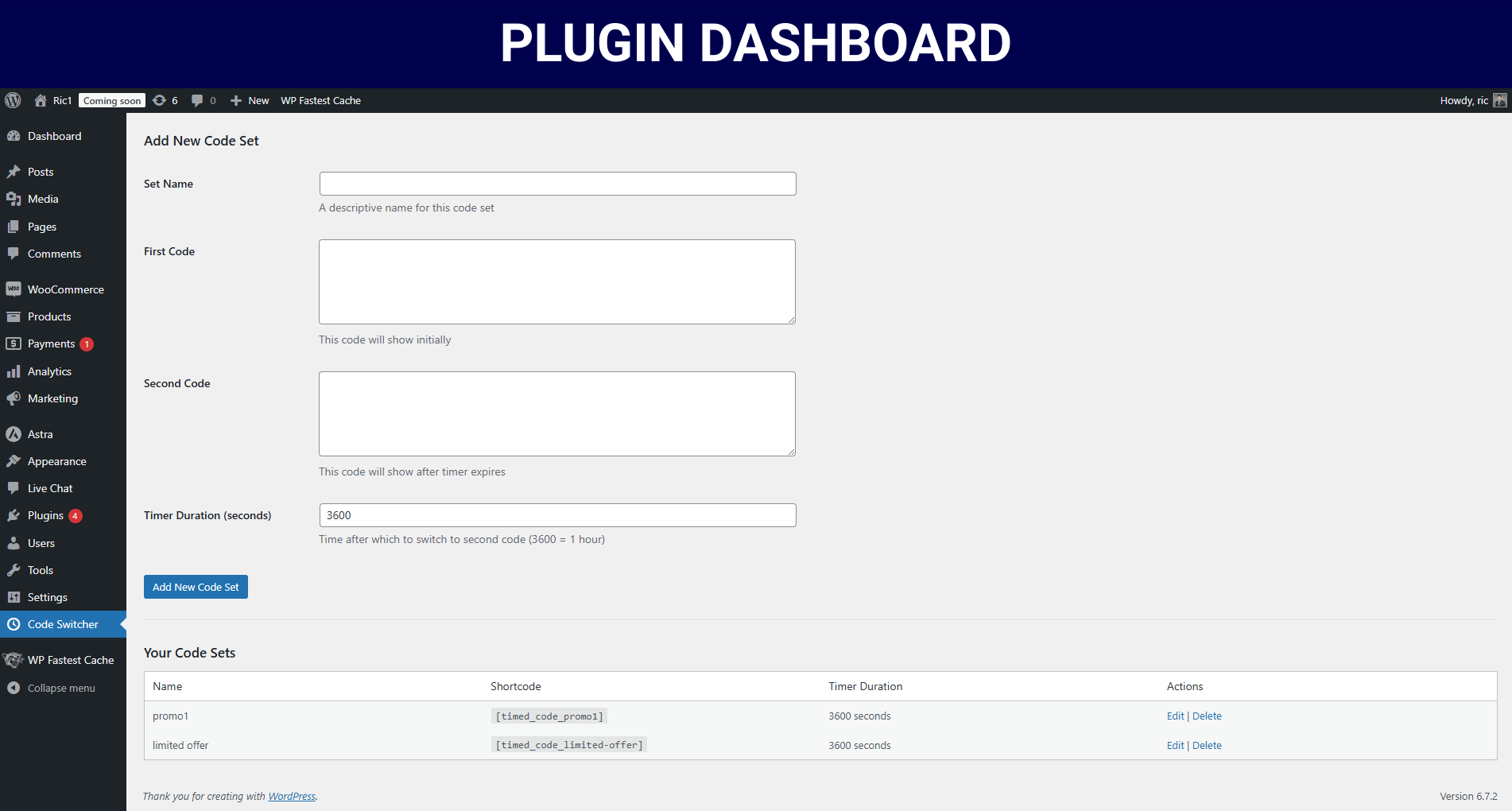
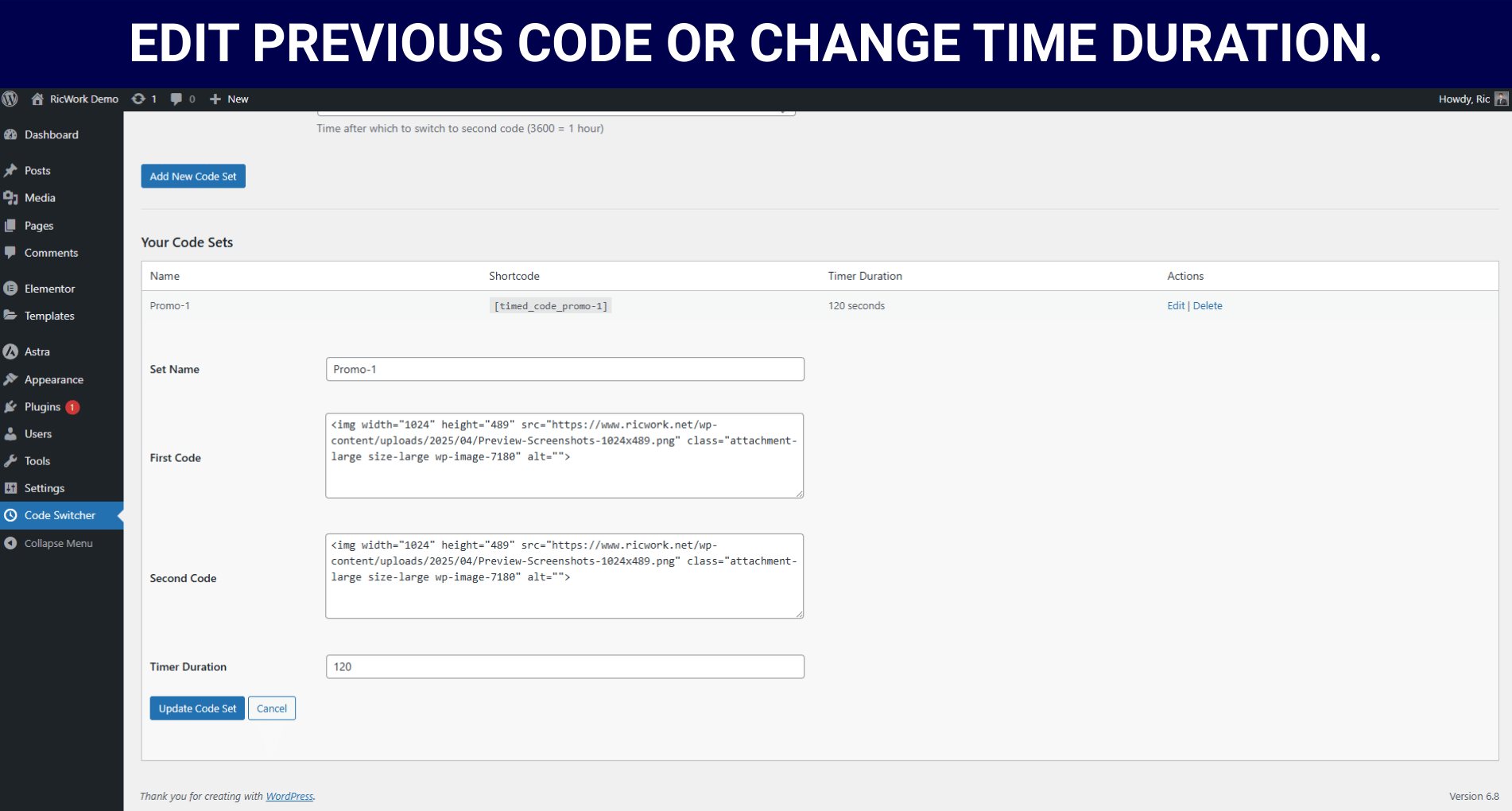
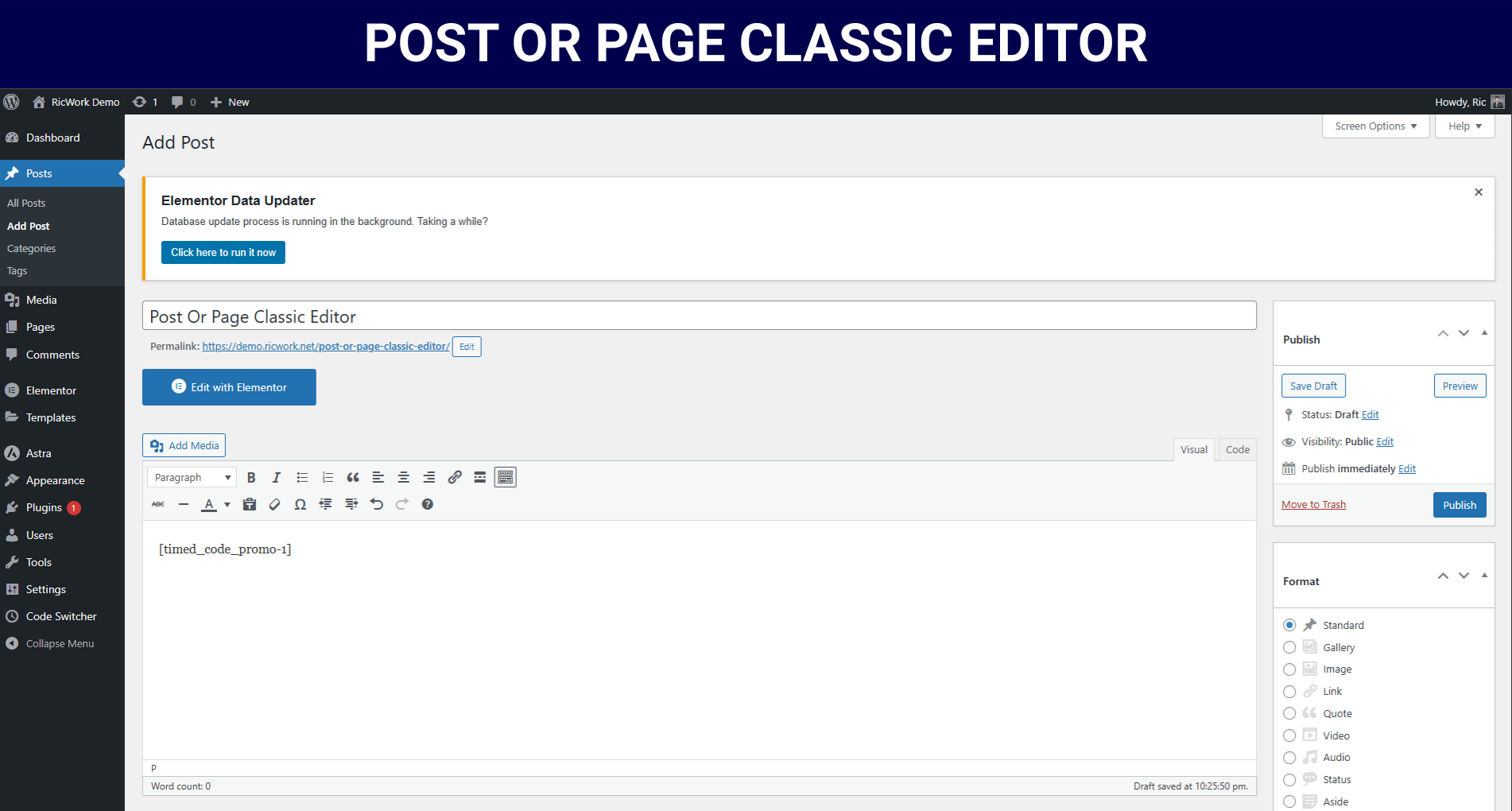
Screenshot
Trusted by Professionals Worldwide
Join 1,200+ marketers, developers, and business owners who rely on Time Based Code Switcher to automate their content strategies.
Here’s what they’re saying:
Frequently Asked Questions.
What is Time Based Code Switcher?
Time Based Code Switcher is a WordPress plugin that allows you to automatically alternate between two different code snippets after a specified time period.
Who created this plugin?
The plugin was created by Ric and is maintained by Ricwork.net.
What version of WordPress does this plugin support?
The plugin has been tested up to WordPress 6.7.
Is this plugin free to use?
Yes, the plugin is released under the GPLv2+ license.
How do I install the plugin?
Download the plugin from Ricwork.net
Go to your WordPress admin panel → Plugins → Add New → Upload Plugin.
Upload the ZIP file and activate the plugin.
What permissions do I need to use this plugin?
You need ‘manage_options’ capability (typically Administrator role) to access and configure the plugin settings.
How do I access the plugin settings?
After activation, you’ll find the plugin under the WordPress admin menu as “Code Switcher” with a clock icon.
How do I create a new code set?
Go to the plugin settings page
Fill in the form with:
-Set name
-First code snippet
-Second code snippet
-Timer duration (in seconds)Click “Add New Code Set”
How do I use a code set on my site?
Each code set generates a shortcode automatically. You can use this shortcode in your posts, pages, or widgets.
What shortcode format does the plugin use?
The plugin uses the format: [time_based_code id="your_set_id"]
Can I add custom classes to the shortcode output?
Yes, you can add a class parameter to the shortcode: [time_based_code id="your_set_id" class="your-class"]
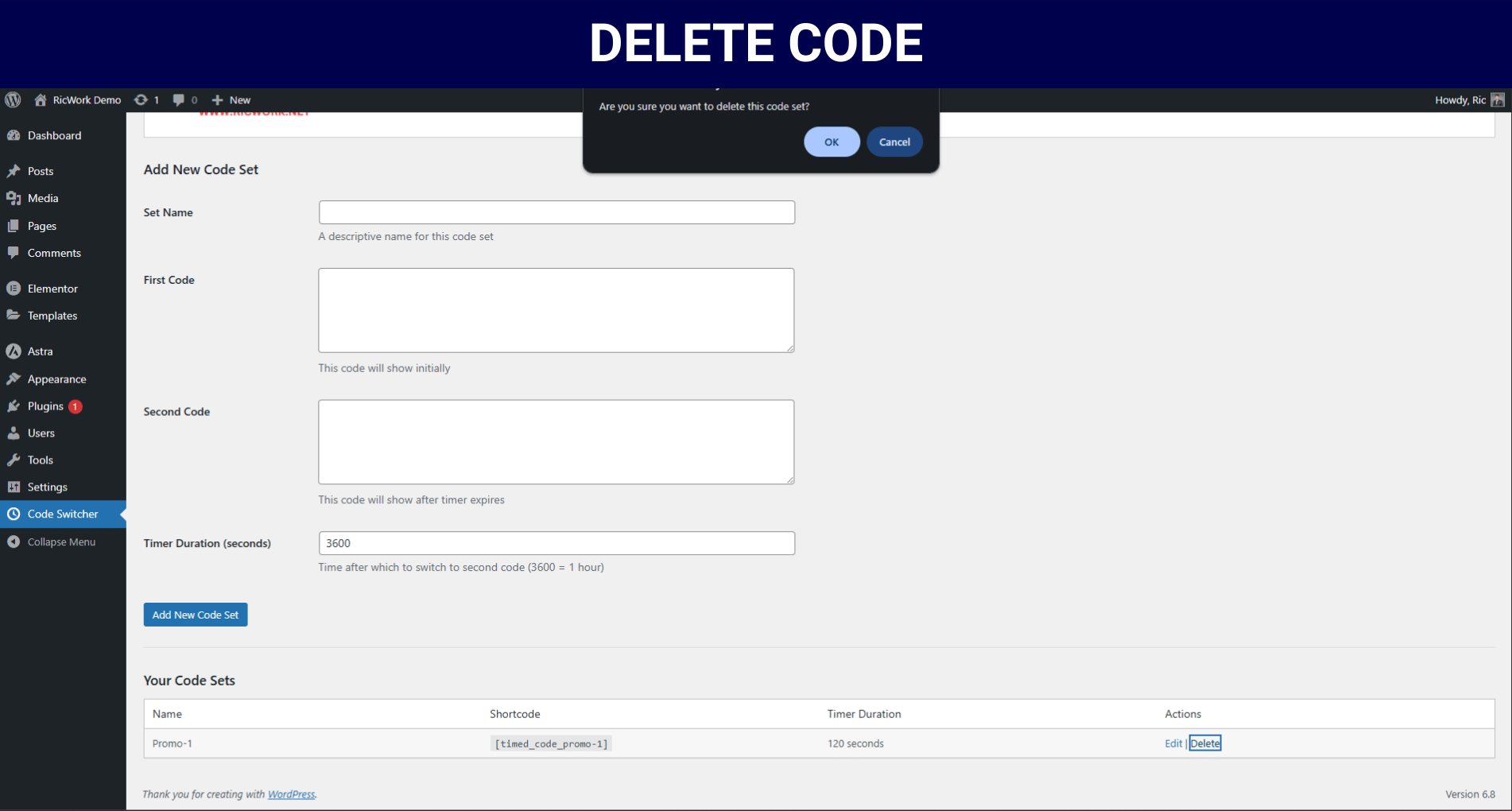
How do I delete a code set?
Go to the plugin settings page
Find the code set you want to delete
Click the “Delete” link next to it
Confirm the action when prompted
What happens if I don't specify a timer duration?
The plugin defaults to 3600 seconds (1 hour) if no duration is specified.
How does the plugin handle HTML in code snippets?
The plugin uses wp_kses_post() to sanitize HTML content, allowing most standard HTML tags while preventing potentially malicious code.
Can I translate this plugin?
Yes, the plugin is translation-ready and includes a text domain ‘time-based-code-switcher’. Translation files should be placed in the /languages/ directory.
Where are the plugin settings stored?
All settings are stored in the WordPress options table under the key ‘multi_code_switcher_options’.
My code snippets aren't appearing. What could be wrong?
Check that the shortcode is correctly entered
Verify that the code set ID exists in your settings
Make sure your user role has permission to view the content
The timer doesn't seem to be working. How can I fix this?
Verify your timer duration is set correctly (in seconds)
Check for JavaScript errors on your page that might prevent the timer from working
Ensure you’re using the latest version of the plugin
I'm getting a security error when trying to add or delete code sets. Why?
This typically means the nonce verification failed. Try refreshing the page and attempting the action again.
Can I use PHP code in my snippets?
No, the plugin is designed for HTML, CSS, JavaScript, and shortcodes only. For PHP functionality, you would need to create a custom solution. Or contact with me. [email protected]
How can I extend this plugin's functionality?
You can extend the plugin by:
Creating custom hooks (if available in future versions)
Modifying the plugin code directly (remember to backup first)
Creating a companion plugin that enhances functionality
Is there a way to preview the code switching before publishing?
Currently, the plugin doesn’t include a preview feature. You would need to publish the content to see the switching behavior.